
How to Set Up IPTV on Smart TV
IPTV Smarters Pro App For Smart TVs
Steps:
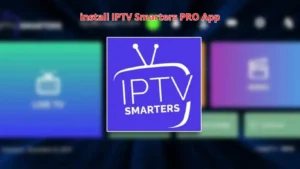
- Download IPTV Smarters Pro:
- Open the app store on your Smart TV (e.g., Samsung, LG).
- Search for “IPTV Smarters Pro” and install it.
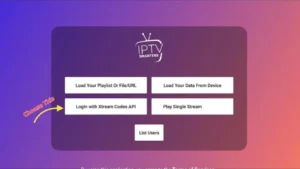
2. Launch the App:
- Open the IPTV Smarters Pro app after installation.
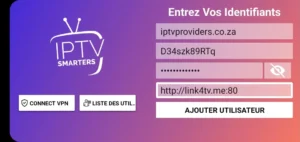
3. Login with Your IPTV Credentials:
- Choose between Login with Xtream Codes API or Load Your Playlist or File/URL.
- If using the Xtream Codes API, enter your IPTV provider’s server URL, username, and password.
- If using M3U URL, paste the M3U link provided by your IPTV provider.
4. Load Channels:
- After entering the required information, the app will automatically load your channels, live TV, and VOD content.
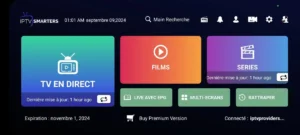
5. Enjoy Streaming:
- Once the content is loaded, you can start streaming live TV and other media on your Smart TV.